

The website design process doesn’t stop at wireframes. Instead, it comes alive in interactive prototypes. At LightSpeed, we combine a clear design system with a content-first approach. As a result, prototypes are accurate, functional, and ready to guide development.
Why Prototypes Matter in the Website Design Process
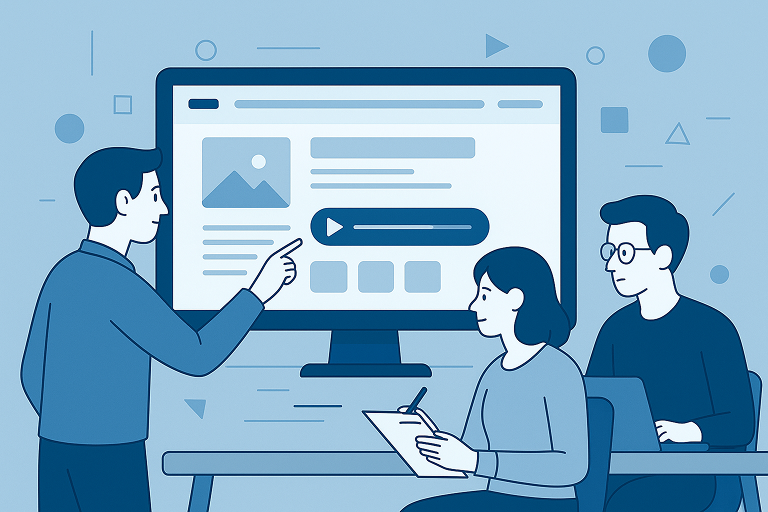
Before a single line of code is written, prototypes set expectations. For example, clients can click through pages, test flows, and see content in context. This reduces miscommunication and avoids costly revisions.
💡 Agency Highlight: “Interactive prototypes bridge the gap between design and development, providing clients with a realistic preview of their website.”
💡 Agency Highlight
Content-First Design and Design Systems
A prototype filled with lorem ipsum isn’t design—it’s decoration. Therefore, our website design process begins with real content whenever possible. This ensures layouts reflect authentic brand voice and messaging.
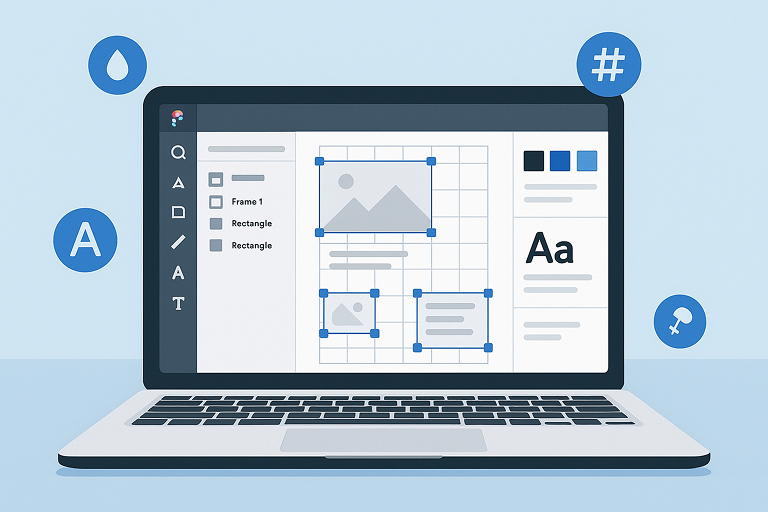
In addition, every prototype is powered by a design system. Colours, typography, spacing, and components in Figma map directly to WordPress theme.json. Consequently, design and development stay consistent.
“Every colour, size, and spacing value in Figma maps 1-for-1 to its theme.json twin.”
💡 Agency Highlight
Preparing a Prototype
Before sharing a prototype, we make sure it is:
- Realistic – All key screens and flows are clickable.
- Consistent – Components follow the design system.
- Interactive – Transitions and states simulate real behaviour.
- Organised – A Table of Contents makes it simple to jump to Home, Catalogue, or Checkout.
As a result, clients review prototypes with less confusion and more confidence.
“A clear TOC changes the game by keeping clients focused and confident.”
💡 Agency Highlight:
Guiding Clients Through the Website Design Process
We don’t just send a link—we guide the review. For example:
- Navigation – Use the TOC to move between flows.
- Feedback – Click 💬 in Figma to leave comments.
- Focus – Review branding, navigation, and messaging clarity.
- Ignore for now – Pixel-perfect spacing comes later.
👉 Use our prototype hand-off email template to guide clients through the process.
“This prototype lets you click through the site as if it’s live—ideal for spotting refinements early.”
💡 Agency Highlight
Why Agencies Should Care
Structured prototypes are not optional—they are essential. For instance, by combining content-first design, design systems, and guided feedback, agencies:
- Cut down on revisions and scope creep.
- Give developers an accurate blueprint.
- Build client confidence by involving them early.
Finally, the website design process is about more than visuals—it connects design vision with development reality. Prototypes make that bridge strong.
“Prototypes aren’t indulgence—they’re discipline.”
💡 Agency Highlight
👉 Next in this series: Website Staging Feedback Process: Clear Input Before Launch
Frequently Asked Questions
Starting with real content—not placeholders—ensures layouts naturally support the message, reducing iterations and improving cohesion. Real copy helps define hierarchy, structure, and interaction up front, rather than retrofitting content into fixed frames. This reduces “guess‑the‑copy” rounds and aligns design with purpose.
– Stronger information architecture: Knowing the content helps define logical structures and navigation.
– Fewer revisions: Real content reduces redesign cycles caused by mismatched layouts.
– Better UX and engagement: Clear, audience‑aligned copy improves usability and supports SEO, increasing time on site and conversions.
– Optimised mobile and responsiveness: Designing around actual content avoids scroll-heavy pages and ensures better mobile usability.
We build every prototype using a Figma design system—tokens for colour, typography, spacing and components. These map 1:1 into WordPress’s theme.json, promoting accuracy, consistency, and a smooth handover to development.
Before sending a prototype, we ensure it is:
– Realistic — Clickable flows across key screens.
– Consistent — Built with design system components.
– Interactive — Includes transitions, hover states, and real behaviour.
– Organised — Titled sections, a clear Table of Contents for easy navigation.
We guide clients with a clear hand-off:
– Use the TOC to explore pages.
– Leave feedback directly in Figma using comment tools.
– Focus reviews on messaging, brand clarity, and UX—not perfect pixel spacing, which comes later.
They reduce scope creep and revisions, help developers work from accurate visual blueprints, and build client confidence by involving them early in a living version of the site.
Industry sources support this method: Webflow stresses designing with real content to simplify architecture and reduce edits. Weblium highlights how content-driven design improves engagement, SEO, and speeds delivery.(weblium.com)


